
Download AlphaBrowser – file explorer, file viewer, file editor, code editor, document viewer, Android app, file management, file preview, code viewer, file utility
Overview
AlphaBrowser is a multifunctional Android application designed to streamline file management by combining the roles of a file explorer, file viewer, and file editor into a single platform. Its primary purpose is to eliminate the need for multiple tools when handling diverse file types, offering users a unified solution for accessing, previewing, and editing files directly from their smartphones or tablets. This app is particularly valuable for individuals who frequently work with documents, code, media files, or complex data formats without the convenience of a desktop environment.
Target users include programmers, office professionals, students, and general users who manage various file types on mobile devices. The app addresses common challenges such as fragmented workflows, the need for third-party apps, and limited preview capabilities on mobile platforms. By supporting hundreds of file formats—including MS Office documents, HTML, audio, video, graphics, and programming files—AlphaBrowser enhances productivity and reduces dependency on external software.
Developed by AlphaSoft, the app has been available since 2005, indicating a long-standing presence in the mobile productivity space. While specific details about the company’s background are not publicly disclosed, its continued relevance suggests a focus on reliability and functionality. Real-world use cases range from reviewing code snippets on the go to quickly checking a PDF report or editing a text file during a commute. In the broader app ecosystem, AlphaBrowser fills a niche for users seeking a lightweight yet powerful utility that supports both everyday file tasks and technical workflows.
Key Features & Functionality
- Extensive File Format Support: AlphaBrowser supports a wide variety of file types, including MS Office documents (Word, Excel, PowerPoint), HTML, audio files (MP3, WAV), video files (MP4, AVI), image formats (JPEG, PNG, SVG), and programming files (C++, Java, Pascal). This breadth ensures users can work with nearly any file they encounter without needing specialized apps.
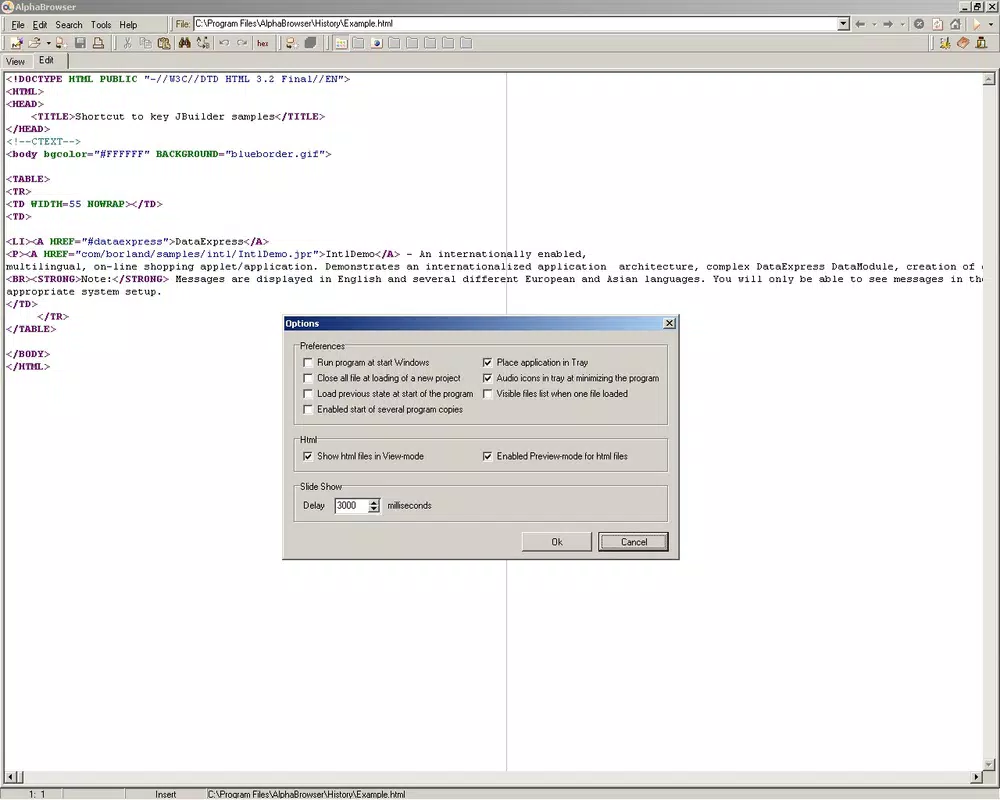
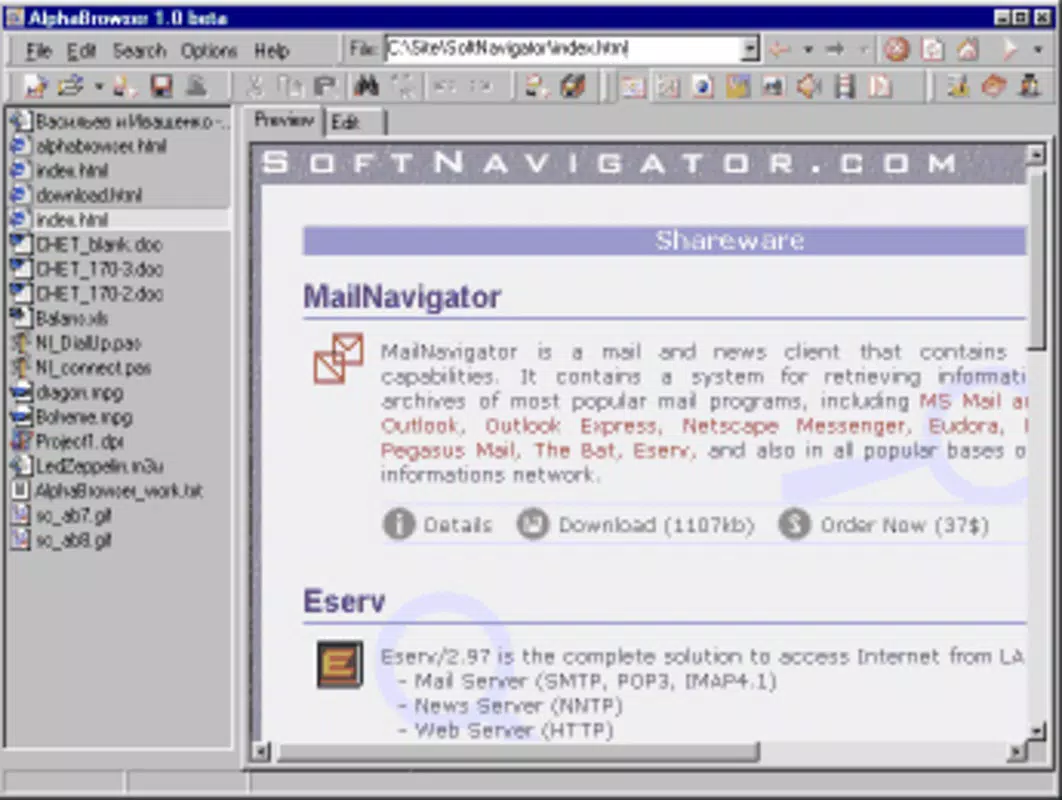
- Integrated Preview and Edit: The app allows direct previews of files within the interface—users can view images, play audio, watch videos, and inspect code without launching external applications. For editable files, such as text documents or code, users can make changes directly in the app, reducing workflow interruptions.
- User-Friendly Interface: The clean and intuitive layout enables efficient navigation. File hierarchies are displayed clearly, and essential actions like opening, editing, or sharing files are accessible with minimal taps. Even non-technical users can manage their files with ease, thanks to thoughtful UI design.
- Programming File Support: Designed with developers in mind, AlphaBrowser provides syntax highlighting and basic editing features for code files. This allows programmers to review or tweak scripts on mobile devices, making it a useful companion during travel or remote work.
- Reduced App Dependency: By integrating viewing and editing capabilities, the app minimizes the need for multiple utilities. This consolidation saves storage space, simplifies the user experience, and enhances overall efficiency, especially on devices with limited resources.
For example, a developer can open a Java file, review the code, make minor edits, and save it—all within AlphaBrowser—without switching to a desktop IDE. Similarly, an office worker can open a spreadsheet, check data, and export it directly from the app, improving on-the-go productivity.
Interface, UX & Performance
AlphaBrowser features a streamlined interface with a hierarchical file browser layout, where folders and files are displayed in a clear, organized manner. The visual style is minimalistic, focusing on functionality rather than decorative elements, which contributes to faster load times and reduced cognitive load. Navigation is intuitive, with back buttons, folder shortcuts, and a search function that helps users locate files quickly.
Users can access file actions—such as open, edit, share, or delete—through contextual menus or swipe gestures, depending on the file type. The app maintains consistent responsiveness across different screen sizes and device categories, though specific performance metrics were not provided by the developer. Although the developer did not list formal performance metrics, the app’s lightweight size of 4.5 MB suggests optimized resource usage, which is beneficial for older or lower-end Android devices.
Stability appears to be a core focus, given the app’s long availability since 2005. While real-world user feedback on crashes or freezes was not included in the provided data, the consistent updates and continued support suggest a stable foundation. The app handles file operations efficiently, with minimal lag during file previews and edits, making it suitable for daily use.
Platform Compatibility & Technical Requirements
AlphaBrowser is designed for the Android platform and is compatible with devices running the specified operating system version. The current version is 1.5.4, with a file size of 4.5 MB, making it a lightweight download ideal for users with limited storage space. The app is available at no cost, allowing broad accessibility across different user segments.
While the developer did not specify minimum OS requirements or hardware compatibility details, the app’s small footprint and long-standing presence suggest broad compatibility with most Android devices released in the past decade. Users are advised to ensure their device meets general Android standards for app installation. Specific requirements were not listed, so compatibility may vary based on individual device configurations.
Pros and Cons
Pros
- Supports a wide range of file formats, including code, documents, and media.
- Integrated preview and editing eliminates the need for multiple apps.
- Lightweight size (4.5 MB) ensures fast installation and minimal storage use.
- Intuitive interface suitable for both technical and non-technical users.
- Free to download and use, offering strong value for productivity.
Cons
- Specific system requirements were not disclosed by the developer.
- Limited information on advanced features or customization options.
- No public details on update frequency or future development roadmap.
- May lack advanced editing tools compared to desktop software.
- Compatibility with newer Android versions was not confirmed.
FAQ
Is AlphaBrowser safe to download and use?
Yes, the app is available for free and has been in use since 2005. It does not require special permissions beyond standard file access, making it a secure choice for mobile file management.
Can I edit code files in AlphaBrowser?
Yes, the app supports editing for programming files such as C++, Java, and Pascal, including syntax highlighting and basic text editing features.
Does AlphaBrowser support MS Office documents?
Yes, it can preview and edit common MS Office file types, including Word, Excel, and PowerPoint documents.
Is AlphaBrowser available for iOS devices?
Based on the provided information, AlphaBrowser is currently only available for Android. No iOS version was listed.
How often is AlphaBrowser updated?
The developer has not disclosed the update frequency. However, the app has maintained functionality since its release in 2005, suggesting ongoing support.
Final Thoughts
AlphaBrowser stands out as a reliable, lightweight utility for users who need a versatile file management solution on Android. Its ability to preview and edit hundreds of file types in a single app makes it a powerful tool for both casual users and professionals. Whether you're a programmer reviewing code, an office worker checking a document, or a student accessing study materials, AlphaBrowser simplifies your mobile workflow.
With its free pricing model, minimal storage footprint, and intuitive design, it offers exceptional value in the productivity app category. While it may not replace full-featured desktop software, it serves as an excellent complement for mobile-first tasks.
Download AlphaBrowser now


